How to Update macOS Faster using Terminal Command
macOS usually take a long time to download and apply the update, and it requires to reboot. If you are tried to waiting for the slow progress bar to complete the software update. There is an easy way to update macOS faster with a single terminal command line.
sudo softwareupdate -ia && sudo rebootStep 1:
Open the terminal, the terminal icon looks like this
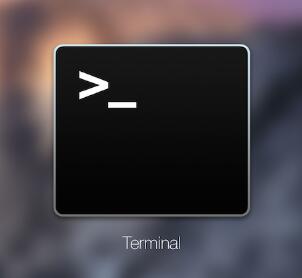
Step 2:
Type the following command in the terminal, then press “Enter”
sudo softwareupdate -ia && sudo rebootThen, just waiting a short time, then your Mac will automatically reboot, then you all set.